ContextDoc: Your Coding Agent Finally Stops Breaking Things
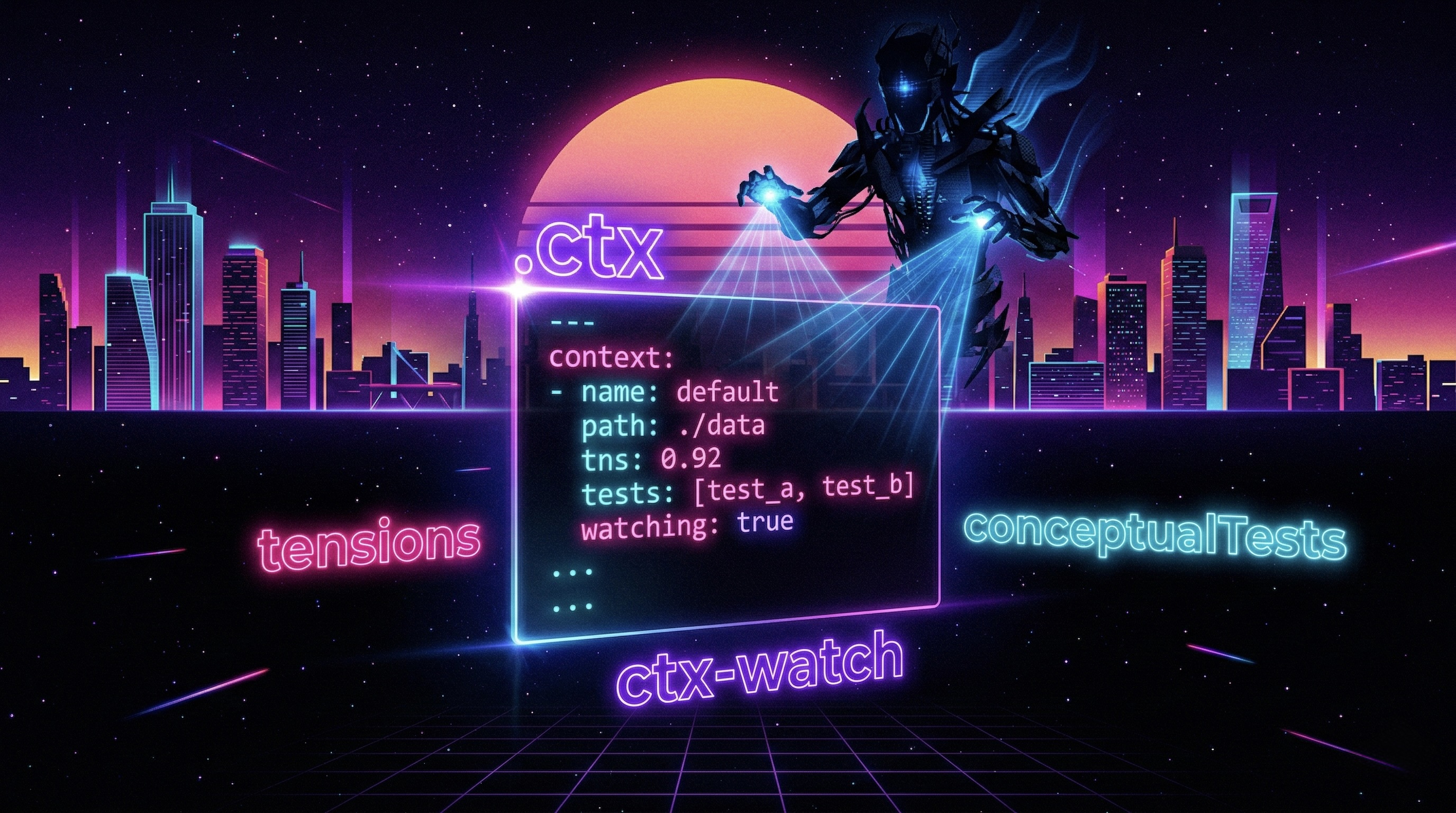
Remember the post on Coding Agents and the Art of the Perfect Prompt? The one where I talked about the blind sculptor smashing marble because it can’t see where it’s going?
Good. After publishing it, I kept digging into the problem. And what was ConceptDoc — my project for giving context to AI — went through a radical transformation.
New name: ContextDoc. New philosophy. New tools. And most importantly: much less noise.
Sit down. There’s a lot to talk about.
The Problem with ConceptDoc (Yes, I Admit It)
The old ConceptDoc was ambitious. Maybe too ambitious. .cdoc files in JSON with metadata, components, pre/postconditions, testFixtures, businessLogic, aiNotes. A beautiful structure on paper. A maintenance nightmare in practice.
The problem has a precise name: maintenance overhead. Every time you changed even a single line of implementation, you had to update the documentation file. And the truth — the one nobody wants to say — is that if you have to update the docs every time the code changes, the docs never really get updated.
Because you’re human. You have more urgent things to do. After the third time you tell yourself “I’ll update it later”, you never update it again.
Result: stale documentation that misleads the AI worse than no documentation at all.
So I did something courageous: I threw away everything that wasn’t worth maintaining.
From 200 Lines of JSON to 30 Lines of YAML
The rule that guided the entire cleanup process is brutally simple:
If you can derive it from the code or the git log, don’t put it in the
.ctx. If you can’t derive it from anywhere, it goes in the.ctx.
Out: method signatures, parameter lists, descriptions of what a function does. The AI reads them directly from the code — documenting them again is redundant and goes stale in three days.
In: architectural tensions, conceptual tests, workflows that span multiple files. The stuff the code never tells you.
The result was dramatic: from 200 lines of verbose JSON to 30 lines of readable YAML. Less noise, more signal. Easier to write, easier to maintain, more useful for the AI.
The .ctx File: Three Sections, Zero Clutter
A well-written .ctx file has three and only three components.
1. Architectural Tensions
A tension is not a regular comment. It’s the documentation of a choice that looks wrong but isn’t — or of a constraint you don’t touch without reconsidering the house of cards built on top of it.
A real example from the project:
tensions:
  - id: atomic-write
    what: "Storage writes use write-then-rename, not direct write"
    why: "Guarantees atomicity on POSIX filesystems. A direct write leaves the file
          corrupted in case of a crash."
    constraint: "Do not replace with direct write without implementing explicit recovery."

  - id: no-id-reuse
    what: "IDs of deleted todos are never reassigned"
    why: "Avoids race conditions in distributed systems and stale cache in clients."
    constraint: "Do not optimize with a counter that resets to 0."

  - id: cli-parser-simple
    what: "The CLI parser is intentionally minimal, without external libraries"
    why: "Simplicity is the requirement. Adding argparse would introduce unnecessary
          dependencies for the 4 supported flags."
    constraint: "Do not add argparse or click without re-evaluating the tool's philosophy."
When the AI reads this, it won’t remove the atomic write thinking it’s redundant. It won’t simplify the ID generator. It won’t add argparse “to improve the code”. It knows why things are done this way — and it knows what it must not touch.
The difference between an inline comment and a tension? The comment says what. The tension says why and above all what not to change and what to reconsider if you try.
2. Conceptual Tests
This is the most original part of ContextDoc, the one I enjoy most.
Unit tests test the implementation — they break when you rename a class, change a framework, or rewrite a function. Conceptual tests test intent — they survive refactors because they describe behaviour, not code.
conceptualTests:
  - id: lifecycle-todo
    scenario: "A todo goes through its complete lifecycle"
    given: "An active todo with a valid title"
    when: "It is completed, then reactivated"
    then: "The state returns to active, the completion date is cleared"
    invariant: "The ID never changes during the lifecycle"

  - id: validation-on-entry
    scenario: "Validation happens at entry, not during processing"
    given: "An empty title or one with more than 100 characters"
    when: "A todo creation is attempted"
    then: "Explicit error before the data enters the system"
    note: "Do not insert validation in internal classes — violates the architecture."

  - id: persistence-after-restart
    scenario: "Todos persist across restarts"
    given: "Three todos created in a session"
    when: "The process is restarted"
    then: "All three todos are still present with the same IDs"
They are language-agnostic: they work in Python, PHP, Go, JavaScript. When you change framework, conceptual tests don’t break. They are the spec, not the implementation of the spec.
3. Workflows
For flows that span multiple files and that an AI cannot reconstruct by looking at a single component:
workflows:
  - id: create-todo
    description: "Complete creation flow"
    steps:
      - "TodoService receives and validates input"
      - "Generates unique ID (never reusable)"
      - "Creates TodoItem in active state"
      - "Persists via StorageService (atomic write)"
      - "Returns the created item"
    note: "Persistence is always the last step. Validation is always the first."
The project.ctx: Tensions That Belong to the System
Do you have constraints that repeat across every file? Decisions that don’t belong to any specific module but to the entire project?
Enter project.ctx — a file at the project root that captures cross-cutting tensions:
# project.ctx
tensions:
  - id: soft-delete-global
    what: "No entity is ever physically deleted from the database"
    why: "Audit requirement. Data must be recoverable for 7 years."
    constraint: "Any physical DELETE is a bug. Always use the deleted_at flag."

  - id: jwt-stateless
    what: "JWTs are never stored server-side"
    why: "Stateless architecture — horizontal scalability without shared session store."
    constraint: "Do not add a token blacklist without redesigning the auth layer."
The scope rule is fundamental: don’t duplicate project tensions in individual files (it becomes noise) and don’t put single-file tensions in project.ctx (it loses focus).
The best thing about project.ctx? It’s portable. It works with Claude Code, Cursor, Windsurf, or any custom agent — without rewriting anything. Context is universal. Operational directives are IDE-specific.
CLAUDE.md + .ctx: The Combo That Makes the Difference
The .ctx alone isn’t enough. You also need to tell the agent how to behave with this documentation. Enter CLAUDE.md:
# Operational Rules for This Project

## Before modifying any file
1. Read the corresponding `.ctx` if it exists
2. Read `project.ctx` for global constraints
3. Do not violate any tension without an explicit discussion

## When adding new code
- Respect the documented architectural patterns
- If you introduce a new tension, add it to the appropriate `.ctx`

## Available reusable prompts
- `generate-tests` → generates unit tests from the `.ctx` conceptual tests
- `review-tensions` → verifies that code does not violate the documented tensions
- `sync-ctx` → updates the `.ctx` after significant changes
The separation is clear and intentional: the .ctx says what the system is. The CLAUDE.md says how the agent should work with it. The first is portable anywhere. The second is coupled to the IDE.
The New Tools: ctx-watch and ctx-run
ctx-watch: The Drift Guardian
The main risk of any parallel documentation is that it goes stale without anyone noticing. ctx-watch solves the problem on two fronts.
In development — ctx-watch watch runs in the background and monitors files. When you save a .py (or .php, or whatever you use), it checks whether the corresponding .ctx is still in sync. If there’s drift, it tells you immediately — not at commit, not in CI, while you’re still working.
ctx-watch watch
# ⚠  storage_service.py modified — storage_service.py.ctx might be stale
# →  notification_service.py.ctx exists without a corresponding source
Two distinct signals: ⚠ means drift — the source changed but the .ctx hasn’t been updated. → means spec without implementation — the .ctx exists but the source file doesn’t yet (intent-first mode).
In CI — ctx-watch status --changed-files "$(git diff --name-only HEAD~1)" is a blocking check. Pipeline stopped if modified files have an outdated .ctx. Exit code 1. No merge until the docs are in sync.
The subtlest warning sign: if your .ctx hasn’t changed in months while the code evolves, it’s probably stale. ctx-watch tells you that too.
ctx-run: The Spec That Becomes a Test
The conceptual tests you wrote in the .ctx are not just passive documentation. With ctx-run, an AI agent reads them and translates them into real tests in your project’s language:
ctx-run generate-tests src/todo_service.py.ctx --output tests/
# → Generated 3 pytest tests from 3 conceptualTests
# → tests/test_todo_lifecycle.py
# → tests/test_todo_validation.py
# → tests/test_todo_persistence.py
You’re not just documenting intent — you’re creating an executable spec that the AI automatically transforms into pytest, PHPUnit, Jest, or whatever framework you use.
Intent-First Development: Spec Before Code
Classic TDD: write a failing test → implement → the test passes.
Intent-First Development: write the .ctx with all the conceptual tests and tensions → implement to satisfy them → ctx-watch and ctx-run verify that the implementation respects the intent.
The .ctx becomes your “red state”. The code is the “green state”. The AI has a precise spec before touching anything — it doesn’t have to infer intent from scratch, it doesn’t have to guess what constraints exist.
ctx-watch status --reverse
# → notification_service.py.ctx: source not found
# Exit code 1 — usable in CI to block unimplemented specs
In the repository you’ll find examples/project-3: a notification service completely specified in the .ctx, with the source file intentionally absent. It’s a pure “red state” — spec written, implementation to be done. Exactly like a red test in TDD, before you write the first line of code.
The advantage for the AI is enormous: instead of starting from a vague prompt and having to infer everything, it starts from a structured spec describing what it needs to build and what constraints it must respect. Fewer wrong iterations, less time spent explaining what it shouldn’t have touched.
ContextDoc vs. The Tools You Already Know
It’s not a replacement — it’s a complement that covers the gap no other tool covers.
JSDoc and docstrings document the method signature — not architectural constraints. The AI already reads them from the code.
OpenAPI is great for HTTP contracts — it says nothing about internal implementation.
ADR (Architecture Decision Records) has the right level of abstraction — but lives in a separate folder and isn’t linked to the code it describes.
ContextDoc is file-level, lives next to the code, is minimal, and documents exactly what no other tool documents: the why behind choices, the constraints that must not be touched, the flows that cross module boundaries.
How to Start Today (Without Rewriting Everything)
You don’t have to document the entire project in a weekend.
- Identify the 2-3 most fragile files — the ones where the AI or a new colleague causes the most damage.
- For each one, ask yourself: “What would surprise someone reading this file without context?” That answer is your first tension.
- Create
filename.ctxnext to the source with that tension. - Add a
CLAUDE.mdwith the instruction to read it before modifying. - Install
ctx-watch watchas a background watcher.
Documentation grows with the project — you don’t write it all on day one and then let it rot.
Red flags to watch out for:
.ctxtoo long → you’re replicating the code, not documenting tensions- Empty sections → delete them, don’t keep them out of obligation
- Content that changes every time the implementation changes → you’re documenting the signature, not the tension
- The
.ctxhasn’t changed in months while the code has evolved →ctx-watchwill tell you, but knowing to look is half the work
The repository with examples, tools, and complete documentation is on GitHub: ContextDoc.
And if after all this your coding agent keeps breaking things… well, at least now you know for certain the problem isn’t the documentation. Try switching models. 🙃