OpenClaw: The AI That Works While You Sleep (But Be Careful What You Give It Access To)
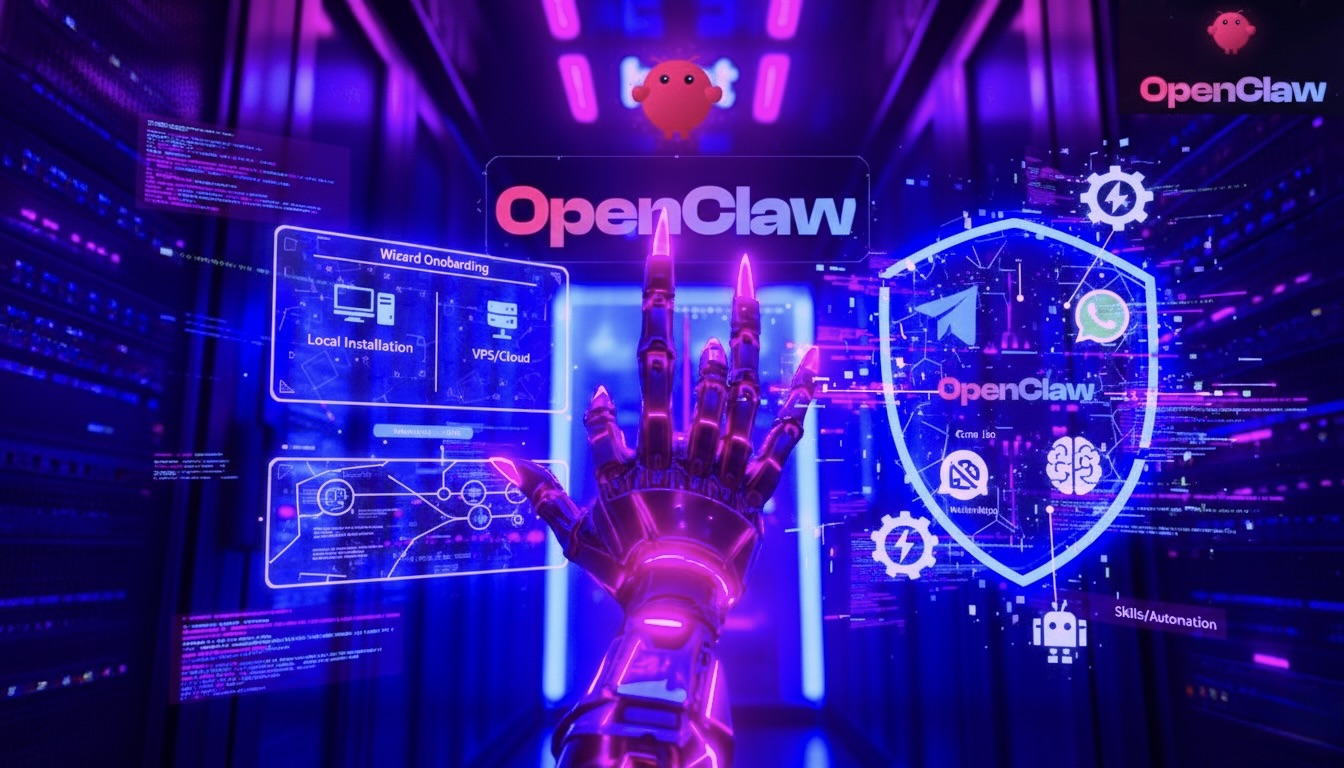
There’s an open source project that has been driving the tech community wild on GitHub. It’s called OpenClaw, it surpassed 100,000 stars in just a few months, and it’s one of those tools you either love or fear — often both at the same time.
I spent weeks studying it, testing it, and reading everything available about it. This post is my attempt to give you an honest picture: what it does, why everyone’s talking about it, what risks you’re taking, and what it actually costs.
What Is OpenClaw (and Where Did It Come From)
OpenClaw was born almost by accident. It started as a small project to forward messages on WhatsApp. It changed names several times — from Clawd to Moltbot — due to trademark issues with Anthropic, before settling on its current identity.
The core idea is as simple as it is radical: what if you could have an AI assistant that doesn’t wait for your commands, but works autonomously — while you sleep, while you’re in a meeting, while you’re doing something else?
In technical terms, OpenClaw is a self-hosted gateway that lets you run AI agents on your own machine (or a private server) and control them through the messaging apps you already use every day: WhatsApp, Telegram, Discord, iMessage, Slack.
The fundamental difference from ChatGPT or Claude.ai? These agents are proactive. They don’t wait for you to type something. They can monitor repositories, do research, generate reports, manage email — all in the background, 24/7, without you lifting a finger.
The Hype: Why Everyone’s Talking About It
We live in a moment where artificial intelligence is ceasing to be a tool and becoming something closer to a collaborator. OpenClaw intercepts exactly this shift.
The promise is to have a “virtual team” accessible to anyone with the technical skills to configure it. The real use cases documented by the community are almost science fiction:
Automated software development. The agent monitors GitHub repositories, autonomously updates vulnerable dependencies, fixes bugs, and can create entire web apps starting from a requirements document. No human intervention required.
Background lead generation. Every morning at 9am, your agent has already combed through GitHub, LinkedIn and the web looking for potential clients, extracted their contacts, and prepared drafts of personalized emails ready for your review.
Total personal assistant. It manages your calendar, filters important emails while discarding newsletters, can monitor cloud costs and send alerts on WhatsApp if something goes wrong.
Home and business automation. Control of Philips Hue lights, energy consumption monitoring, server uptime — all orchestrated via message.
The hype isn’t without foundation. These scenarios work, at least in part. But as always, the devil is in the details.
The Pros: What Actually Works
Multi-model flexibility. OpenClaw is not tied to a single AI engine. You can use Claude (Anthropic), GPT-4 (OpenAI), Gemini (Google), or even local models via Ollama, choosing the right model for each type of task. It’s a freedom that traditional SaaS services don’t offer.
Your data stays yours. Unlike cloud services, the assistant here lives on your hardware. Your API keys, your files, your rules — everything stays under your control. For those working with sensitive data, this is a significant advantage.
Growing skill ecosystem. There’s a growing library of community-created skills on ClawHub, allowing the agent to interact with over 50 integrations: Spotify, Google Calendar, GitHub, Notion and many more. Install a skill like an app, and the agent acquires new capabilities.
Potentially contained costs. Managing a team of five AI agents can cost between €500 and €1,000 per month — a significant figure, but comparable to what a single part-time human collaborator would cost for the same activities.
Granular control. You can define who can interact with your agent, on which platforms, with what degree of autonomy. The level of customization is remarkable.
The Cons: What Nobody Tells You Upfront
Not for everyone. OpenClaw requires familiarity with the terminal, API management, networking concepts. If you don’t know what a JSON file or a cron job is, you’re in for a steep learning curve. The product is still far from being “plug and play”.
Chronic instability. The project is very young and new versions come out almost daily. This means features that worked yesterday might not work today. It requires constant “babysitting” that many users underestimate at the start.
Costs can explode. An agent using premium models like Claude Opus, if set to be very active, can burn through about $50 a day. Without adequate monitoring systems, you can end up with an API bill in the thousands at the end of the month. This isn’t a theoretical scenario: it has happened.
The deskilling risk. If you delegate everything to the agent, over time you lose the ability to do things yourself. It’s a subtle but real concern: the convenience of automation can erode skills you’ve built over time.
Security Risks: The Problem Nobody Has Solved Yet
This is the part that worries me most, and on which I want to be direct.
Giving an AI access to your computer, your email, your files is a high-risk game if not done with extreme caution. The main problem is called prompt injection, and it’s still an unsolved problem at the industry level.
Imagine this scenario: your agent reads your emails. A malicious actor sends you an email with seemingly innocuous text, but which contains hidden instructions for the AI. The agent interprets them as legitimate orders and — before you realize it — has sent your credentials, your documents, or your banking data to someone you don’t know.
This isn’t science fiction. It’s a real and documented attack vector.
But it gets worse: OpenClaw can have “Full System Access,” meaning the ability to write files and launch shell commands. In the wrong hands (or through a well-crafted injection), this can translate into complete control of the machine it runs on.
And then there’s the third-party skills problem. The ClawHub ecosystem is open: anyone can publish a skill. Some estimates suggest that around 11% of software distributed in these emerging contexts may contain malicious code. Installing skills randomly is like downloading files from unknown sources: the risk is real.
Recommended mitigation measures:
Run OpenClaw on a dedicated VPS or isolated machine, without critical personal data. Don’t give the agent access to bank accounts or primary passwords. Treat it like an external collaborator: give it only the information strictly necessary for the task. Use Tailscale or Cloudflare to access the dashboard securely, without exposing public ports. Install a watchdog system that alerts you on WhatsApp or Discord in case of anomalous behavior.
Real Costs and Scenarios
Here are the concrete numbers, because nobody likes billing surprises.
| Scenario | Model used | Estimated cost |
|---|---|---|
| Light use (occasional tasks) | Kimi / MiniMax | < €20/month |
| Always-on agent, moderate tasks | Claude Haiku / GPT-4o mini | €50–150/month |
| Team of 5 agents, mixed tasks | Model mix | €500–1,000/month |
| Intensive agent with premium models | Claude Opus / GPT-4 | €1,500–30,000/month |
| Local models (Ollama) | LLaMA, Mistral, etc. | ~€0 (electricity only) |
The winning strategy is the multi-model approach: cheap models like Kimi 2.5 or MiniMax for routine tasks and constant monitoring; premium models like Claude Opus only for strategic analysis, business proposals or critical decisions. The good news? LLM costs tend to halve every year. Those who start today will be paying much less in 12 months.
Conclusions: Is It Worth It?
OpenClaw represents something more than software. It’s a signal that AI agent technology is finally mature enough to leave the labs and reach everyday users — at least those with technical preparation.
If you have the skills to configure it, the applications are genuinely powerful. For those working in software development, marketing or consulting, a well-configured agent can multiply their productivity significantly.
But enthusiasm needs to be tempered with awareness of the risks. Security is not optional, costs can surprise you, and the software’s instability requires patience and constant maintenance.
The old maxim still holds: technology is an excellent servant, but a terrible master. Experimenting is fundamental — but doing so with caution, on isolated systems, with monitored budgets and without ever granting unlimited access to your digital life.
If you’re curious, the best way to get started is to read the installation guide below. Step by step, without rushing.
Next article → Part 1: Installing OpenClaw